Starting with Astro
1. The Goal
For years, I’ve learned engineering mostly the same way many of us do: by reading other people’s notes, blog posts, and explanations.
Often these were not polished articles or tutorials. They were personal notes — concise, opinionated, sometimes incomplete — but incredibly valuable.
The goal of this blog is simple:
- Make my personal engineering notes public
- Keep them easy to write and maintain
- Avoid any friction that would discourage writing
This immediately ruled out anything complex. I wanted to write, commit, and publish — ideally in minutes.
Markdown (.md) was a hard requirement.
If writing a post feels heavier than writing code comments, the system has already failed.
2. Why Astro
What were the alternatives?
Before settling on Astro, there were a few obvious options.
Plain HTML
- Simple and fast
- Quickly becomes painful to maintain
- Repetitive layouts and navigation
Classic frontend frameworks (React, Vue, Angular)
- Powerful, but overkill for a content-first site
- Turn a blog into a client-side application
- Add complexity where none is needed
Other static site generators (Jekyll, Hugo, Gatsby)
- Jekyll: mature, but slow and Ruby-based
- Hugo: fast, but opinionated and template-heavy
- Gatsby: React-first and increasingly complex
All of them work. None of them felt like the right balance.
Why Astro made sense
Astro matched the exact constraints of this project.
- Content-first approach
- Markdown as a first-class citizen
- Static HTML by default
- Zero JavaScript unless explicitly needed
Astro does not assume your site is an application. It assumes it is content — and optimizes for that.
If I ever need interactivity, Astro allows adding it locally and deliberately, without turning the entire site into a SPA.
Markdown as the primary interface
Posts are plain .md files.
No CMS, no database, no UI editor.
Git is the workflow.
That alone removes an enormous amount of friction and cognitive load.
Fast feedback, fast results
With the help of Astro and modern tooling, I had:
- a running website
- local development
- content rendering
in under 15 minutes.
At that point, the tooling disappears and writing becomes the main activity again. That is exactly what I wanted.
3. Installation and Setup
Create the project
Using the official Astro initializer:
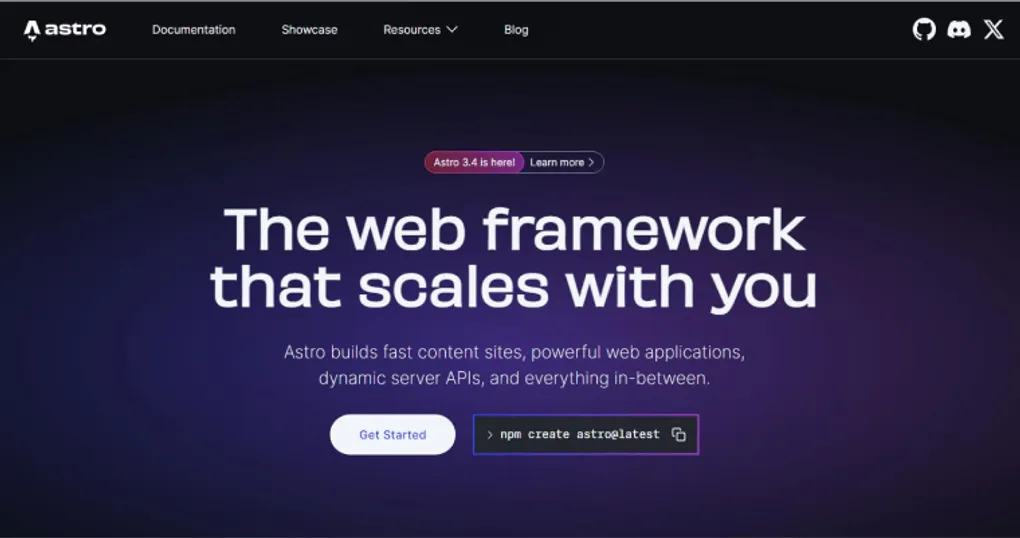
npm create astro@latest my-blog
cd my-blog
npm install
During setup, the following options were selected:
- Static site
- Minimal template
- TypeScript (optional but recommended)
Run locally
npm run devThis starts a local development server with fast hot reload.
Writing content
Blog posts live as Markdown files, typically under:
src/content/blog/Each file contains frontmatter metadata and plain Markdown content. Astro takes care of turning these into static HTML pages.
Build and deploy
To generate the production-ready static site:
npm run buildThe output can be deployed directly to GitHub Pages or any static hosting provider.
Documentation
Astro’s documentation is clear, concise, and worth reading:
- Official docs: https://docs.astro.build
They cover content collections, Markdown, layouts, and deployment in detail.
Closing thoughts
This blog is not a product. It’s a notebook that happens to be public.
Astro provides just enough structure to keep things organized, while staying out of the way of writing and thinking.
For a personal engineering blog, that balance matters more than anything else.